Gear

Backups on Backups

Nothing has been as scary in my photography journey as when my hard drive and entire laptop died with everything I have ever shot on it. This also included three photoshoots I did that week that were all due in the next two days.

I was not one for a streamlined workflow. My data management was kind of a mess with folders and files named horrifically like "jhbnfk_finalretouch_grade_resize_finalfinal". It was bad. Not to mention all my photos were in all in one place. Either on my MacBook Pro internal drive or an external drive, I called "Working Drive." Thankfully I had a software called BackBlaze install that continually backups everything on every hard drive. After dropping too much money on a new computer and a few hard drives I decided it was time for a change. 

Here is my new workflow. This is not a standard by any means. This is just what made sense in my head. There are two basic shooting scenarios I may find myself in. The preferable scenario would be shooting tethered. The other is shooting to two cards simultaneously in camera.

With the first one being the best I would have RAW images immediately import into Capture One and be stored in the field on a "Working Drive" and also a "Backup Drive." (The same would be true of the second scenario just instead of a computer and hard drives it would just be my camera and memory cards). That way there are two copies of the photos. Then once I am done with the shoot and post-processing, and once everything has been delivered to the client, the Capture One catalog along with the edits and RAW files can be archived on a larger hard drive back home called "Archive." Then overnight Windows (or on Mac a program called Carbon Copy Cloner) will make an exact copy of the contents of the "Archive" drive and put them on an identical hard drive called "Backup Archive". On top of all of that, there would be the BackBlaze cloud service linked to the Archive drive that would store all the info in the Cloud. That way I have two physical copies of the entire archive shoot and a cloud copy. If anything fails there should be a copy of it somewhere. 

Now as far as file structure that is a continual pursuit of making something that works. I think I am close but for now my file structure is pretty simple. Folders go something like this:

Folders

  • Year
    • Month
      • Shoot Name
        • CAPTURE (Tethered) or CARD
        • WORKING (PSD edits)
        • OUTPUT
        • FINAL

Files

  • Shootname_Date(YYYYMMDD)_SequenceNumber_ImageSize

Again, I am not saying this is the best. This is just where I am right now that seems to be working for now. Hopefully this will encourage those of you who don’t have a solid workflow to make on of your own that works for you. I looked up a bunch and tried various ones out. It wasn’t until I tried to come up with my own did I figure out what really works and what doesn’t. Here’s to a future of (hopefully) no lost data!

*Knocks on wood*

Here is a list of some nice hard drives I trust:


What's In My Bag?

Here is what's in my camera and flash bags.

Camera Bag (Think Tank Retrospective)

Lighting Bag

Other

Everything is linked via my Amazon affiliate links, if you decide to buy from amazon please use my links! Everything I own has a purpose. I don't own 15 lenses because these are the only ones I need for my style of shooting. I always will have a 50mm lens (read about why here) and something a little wider, like a 35mm. When the job calls for it I rent whatever is needed. Currently toying with the idea of switching to a Sony A7RII or Fuji X-T2 for the addition of 4K video.

Click here for all the gear that I recommend

Favorite Lens

My all time favorite lens is the 50mm lens. I learned almost everything I know about photography with the classic 50 focal length. I've love to sell and trade lenses to try different things but the 50mm lens has remained a constant in my bag. A 35mm lens has a look that is similar to what the eye sees, however it's not as interesting as the 50. The 50mm is pretty similar but compresses the background a little more and has less distortion.

When photographing portraits it's my go to. It has nice compression but doesn't completely compress the background so your subject still has some of the environment in it. This is all really personal preference but in my opinion the 50 is the best for portraits. If I had to sell all but one lens it would be a 50.

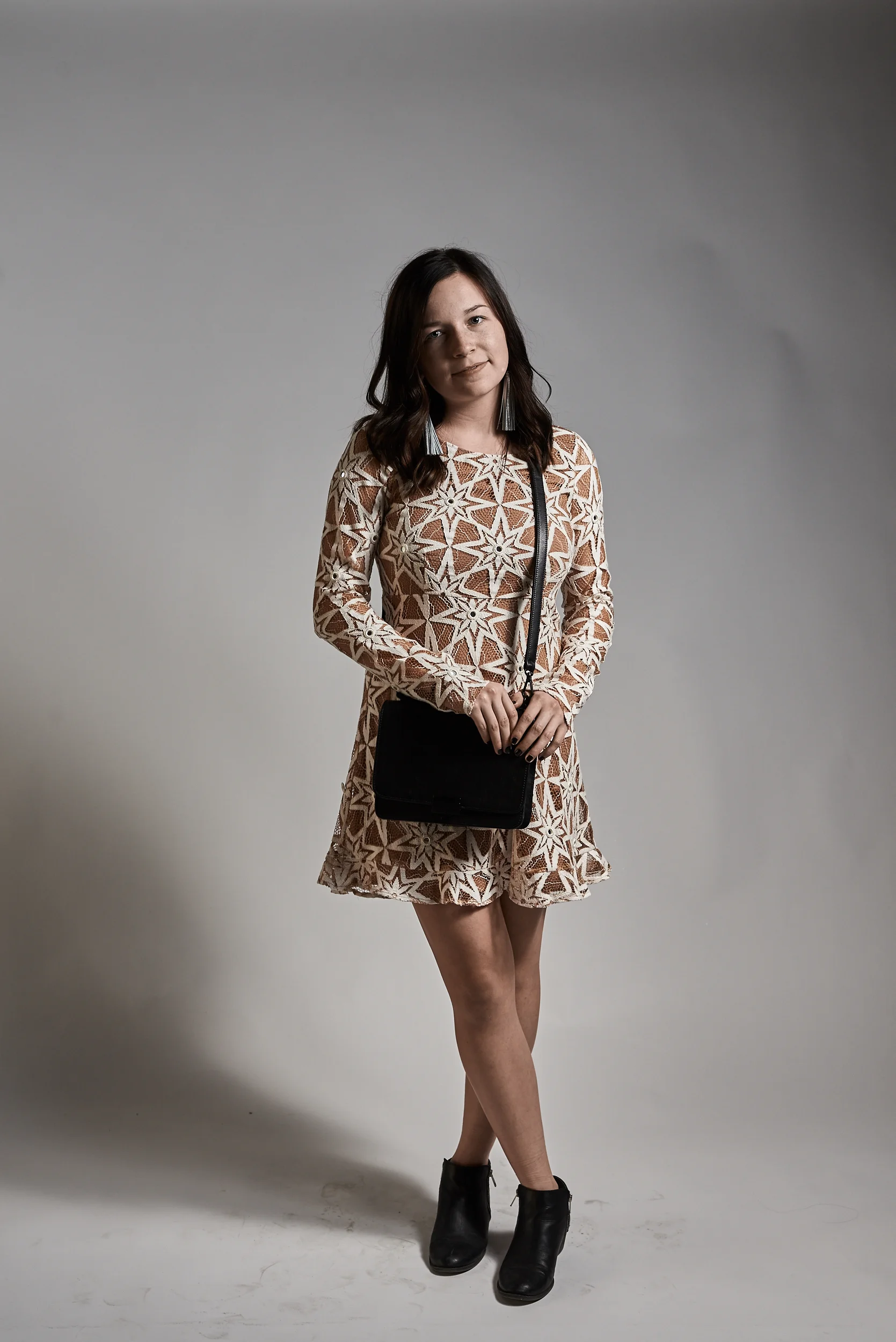
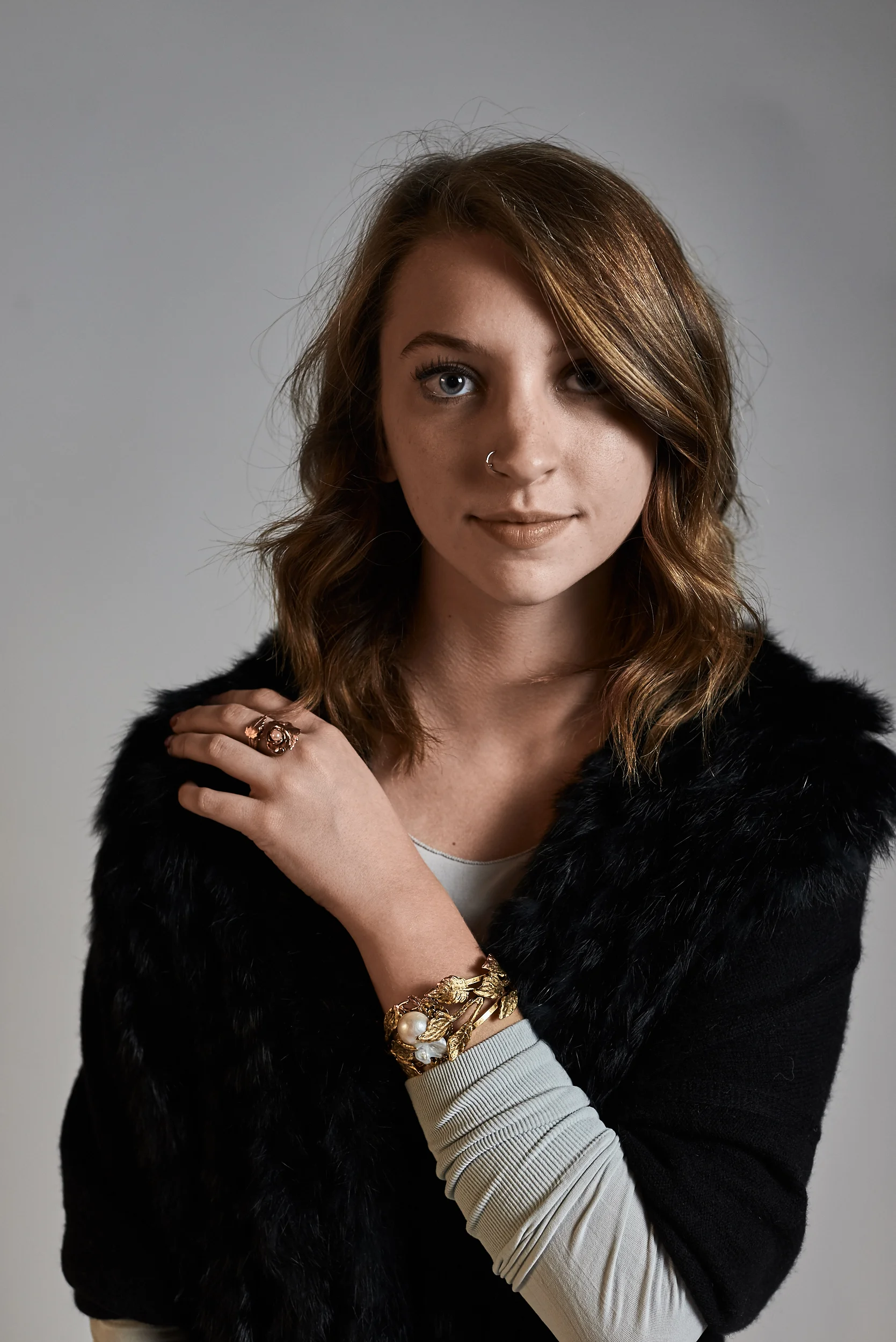
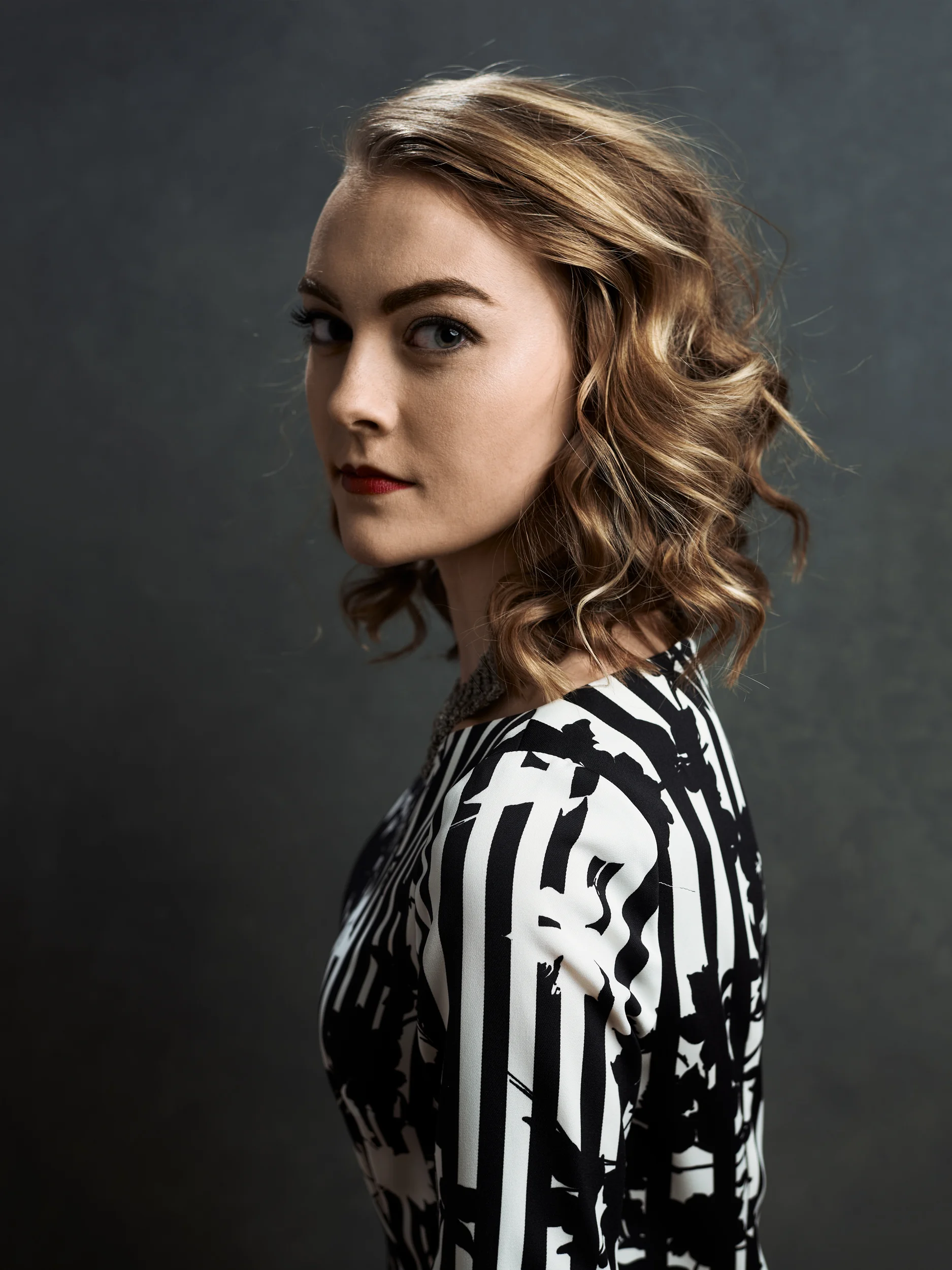
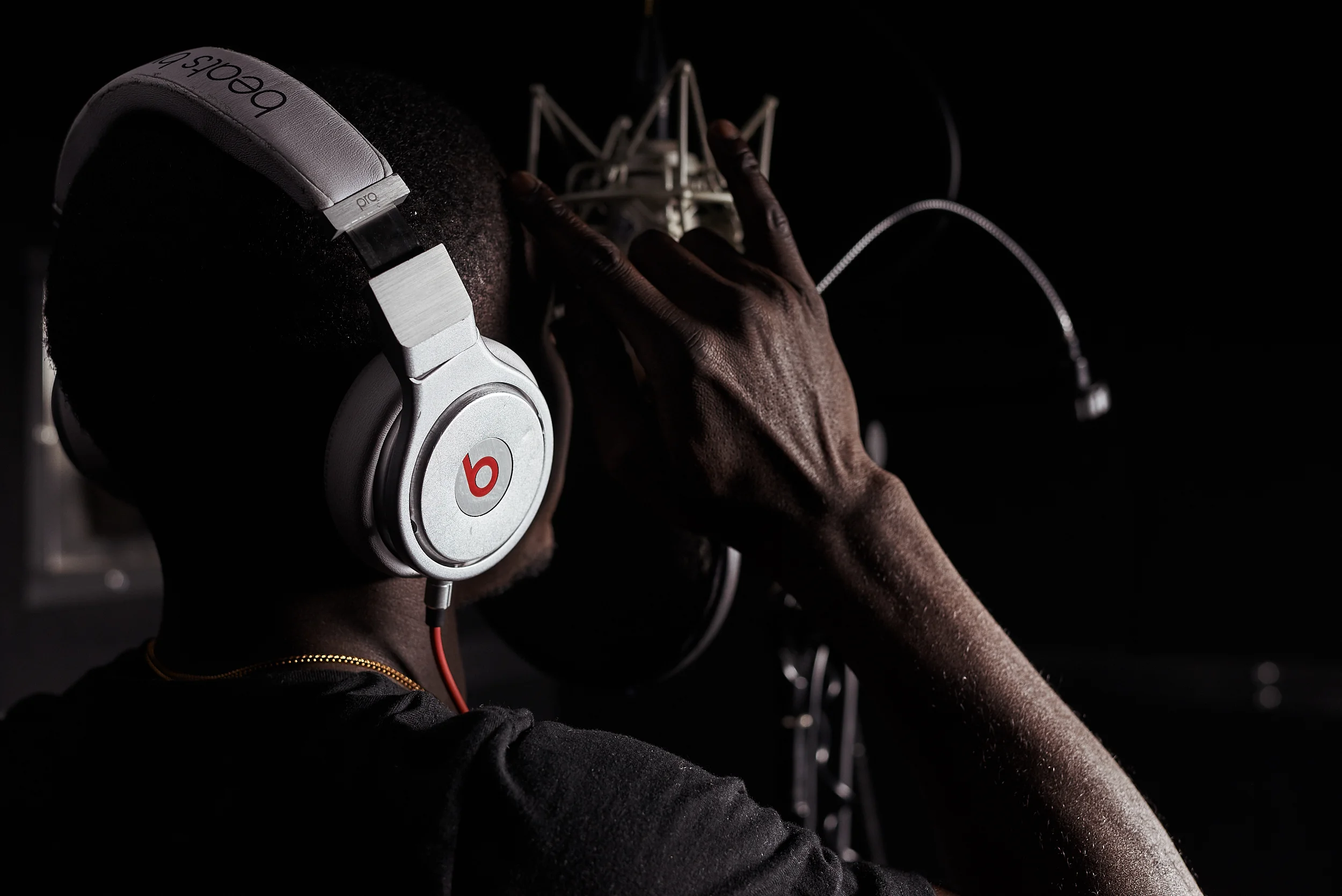
I couldn't imagine my camera kit without a 50mm prime. I photograph almost everything with either a 50mm or the equivalent. In my opinion it's the lens you can't afford not to have. When it comes to portraits its perfect. However, if you're primarily a headshot kind of person you may want to pick up a 70-200 or 85mm as it will have less distortion. The 50mm doesn't do the greatest for close up portraits. Below are some of my favorite images taken with the 50mm

Goodbye Apple

I recently starting photographing for a new editorial client. My first shoot with them was a fashion shoot for a local boutique. The shoot went great everyone was happy with the images. They sent me three smaller assignments two on Tuesday and one more on Thursday. I also had a test shoot scheduled on Tuesday morning to photograph a local Crossfit gym. My test shoot went well, got some really awesome images and a short video. I had time to swing back home and dump the RAW files on my MacBook Pro. I then left to the next shoot. I got everything setup, opened my computer to shoot tethered, and quickly realized it was taking a little longer to boot my computer than normal. 

I've had this laptop for 4 years now. It is a 2012 Macbook Pro. I bought it right before the retina macs were announced *roll-eyes*. When it turn on the only thing on the screen was a blinking folder with a question mark. I did a quick search on my phone and apparently this happens if the computer for some reason can't find the hard drive. The solution was to just do a repair hard drive function from the disk utility menu. I figured I will just deal with it later and shot the shoot the old fashioned way, to a super fast, super high capacity SD card. We wrapped the last shoot for the day around 4. I headed back home and tried to repair my mac. I had high hopes when the disk utility popped up. Then I realized my hard drive was not listed. After some more research apparently my hard drive has bit the dust. Along with all my files. I have backups on backups on backups with an overall cloud backup so I wasn't too worried, just super annoyed. Especially considering that all the photos were due my Thursday night. 

After a little panic attack, I fought the holiday traffic and rushed to Best Buy. I was not planning on upgrading my computer hardware until next year, but nothing ever goes according to plan. First instinct was the Apple section. The flashy new, super thin, super "intuitive," laptop looked super nice. I already new about the annoying USB issue (Apple, come on, really? Why? That's not pushing the industry, it's just annoying), and the not so great hardware "upgrades". The model I was looking at for my needs was the 15in, 512GB model for a whopping $2,799. After about 5 minutes using the Mac I decided I'm done. The keyboard sucks, the internal components are years old, there is no port besides the USB-C port. No SD card, no firewire, no Magsafe, no regular USB port. I would even be able to charge my iPhone without having an additional adapter. In order to basically use the laptop I would have to buy about another $100-200 worth of dongles and adapters.

After a few moments of "I can't switch to windows, it's outdated and slow" I started to consider the option of switching. The new Dell XPS 15 with a beautiful 4K screen looked incredible. The Dell XPS 15 was super nice, I loved the screen and speed. It was pricey but not as pricey as the MacBook Pro at $2,199. After even more thinking and pacing around the store I found the desktop version of the XPS with a better graphics card for only $999. I started thinking. I could get the XPS desktop, any monitor I wanted, and something like a Surface Pro for the same price as the Macbook Pro or the Dell XPS laptop. I walked out of Best Buy with two computer for a little under the price of one Macbook Pro. My main dilemma was I needed a powerful computer for editing photos and video that was portable to bring to a shoot to shoot tethered to. Now I have a powerful desktop that can be easily upgraded with newer tech and a Surface Pro 4 that I can run Capture One Pro to shoot tethered to on jobs. 

In one day I went from an apple fan boy to completely ditching Macs for a windows machine. I got all my files switched over (thank you Backblaze for continually backing up my work) and finished all the edits by Thursday. Apple really makes amazing things, I love my iPhone and iPad. They really push the industry and come up with intuitive ways to better the technology world. With this latest laptop from Apple I just couldn't continue to support them. They removed everything that a professional needs to do their work. I can't live without an SD card slot, or a normal USB port. I do miss having iMessage but I can get over that. I am very happy with my switch to windows and I don't see myself going back anytime soon.